How to Know If Your Website Needs a Redesign

Is your outdated website costing you customers every day? If you're wondering whether it's time to redesign, you're not alone, and your instincts are probably right. This guide provides a 10-point diagnostic framework, industry performance benchmarks, and a clear decision guide to determine whether you need a quick refresh, full redesign, or complete rebuild.
The 10 Warning Signs Your Website Is Hurting Your Business

Performance and Technical Red Flags
1. Your Website Fails Mobile Responsiveness Standards
Mobile users represent 60-70% of web traffic across most industries. If visitors have to pinch and zoom to read text, struggle with tiny tap targets, or abandon forms due to poor mobile optimization, you're losing conversions before they begin. Google's mobile-first indexing means your mobile experience now determines your search rankings entirely.
E-commerce stores suffer most acutely. Difficult mobile checkout drives cart abandonment above 80%. Local service businesses lose potential customers who search "near me" and immediately call competitors with better mobile experiences.
2. Slow Loading Performance Exceeds 3 Seconds
53% of mobile users abandon sites loading longer than three seconds. Every second after that decreases conversions by 7%. Google's Core Web Vitals now directly influence rankings: slow sites get buried while faster competitors rise.
Test your speed at PageSpeed Insights. If scores fall below 80 or load times exceed three seconds, you're experiencing serious performance issues that cost you business daily.
3. Security Warnings Appear on Your Site
"Not Secure" warnings signal missing SSL certificates, a basic requirement since 2018. Beyond credibility damage, you're vulnerable to data breaches that could expose customer information and destroy your reputation overnight.
Modern website security requires HTTPS with TLS 1.3 encryption, security patches applied within 48 hours, and Content Security Policy headers. E-commerce sites must maintain PCI DSS compliance: encrypted cardholder data transmission, restricted data access, and regular security testing.

Design and User Experience Problems
4. Your Website Design Looks Dated and Unprofessional
75% of users judge company credibility based solely on website aesthetics. Outdated indicators that destroy credibility include Flash animations (discontinued 2020), auto-playing music, outdated stock photography, and excessive image carousels users ignore.
Compare your site to three direct competitors. If theirs look more modern, potential customers are making snap judgments about your relevance before reading a single word.
Modern design emphasizes clean white space, large hero images with strategic focal points, sans-serif typography with generous line spacing, and accent colors used sparingly for calls-to-action.
5. Usability Problems Prevent Visitors from Converting
Poor conversion paths manifest as confusing navigation burying pages three clicks deep, missing or unclear calls-to-action, lack of trust signals like reviews or credentials, and hard-to-find contact information.
Effective navigation follows the "three-click rule": users reach any page within three clicks from homepage. Primary navigation should contain 5-7 categories maximum with descriptive labels.
Trust signals must appear throughout: client logos on homepage, team photos and credentials on About pages, industry certifications prominently displayed, and clear privacy policies. Our conversion rate optimization services can help identify and fix these specific barriers.
6. Updating Content Requires Developer Help
If basic updates (changing service descriptions, adding blog posts, updating images) require contacting developers, you're paying premium prices for routine tasks while missing time-sensitive opportunities.
This limitation costs money and opportunity. Time-sensitive promotions, seasonal offerings, and competitive responses require immediate updates. Businesses stuck with outdated platforms face constraints that put them at competitive disadvantage.
Business Impact Indicators
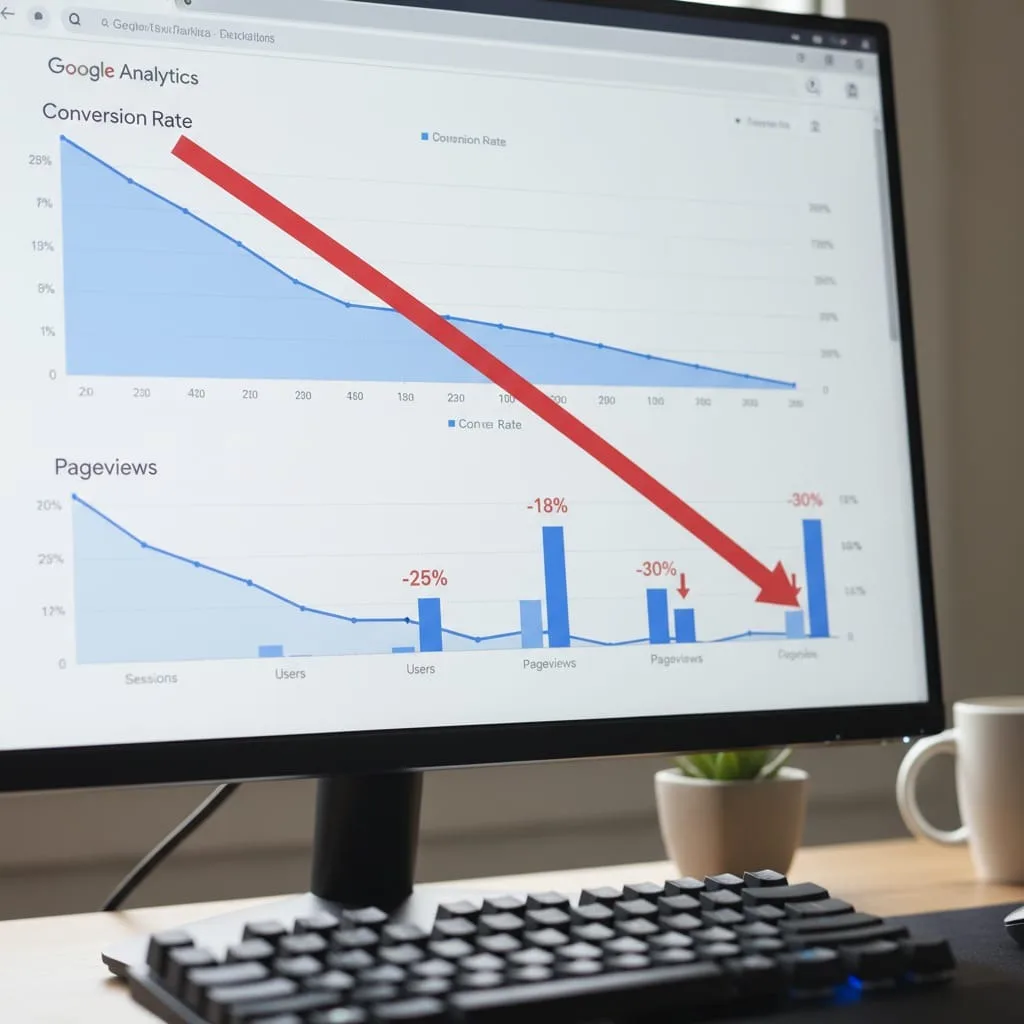
7. Conversion Rate Falls Below Industry Standards
Industry | Average Conversion Rate | Top Performers |
E-commerce | 2-3% | 5%+ |
B2B Lead Generation | 2-5% | 7%+ |
Local Service Businesses | 5-10% | 15%+ |
Software-as-a-Service | 3-5% (trials) | 8%+ |
If your rates fall below these benchmarks, website design is the likely culprit. Poor mobile experience, confusing navigation, slow loading, missing trust signals, and weak calls-to-action all suppress conversions. Strategic redesigns deliver 50-100% improvement.
8. Organic Traffic Has Declined 20%+ Year-Over-Year
Declining organic search signals serious problems. Google rewards sites with strong technical SEO, fast load times, mobile optimization, and fresh content. If competitors outrank you for previously dominated keywords, your site falls behind current best practices.
Review Google Search Console data for 12-24 months. A 20%+ decline in impressions or clicks indicates lost visibility. Common causes include technical SEO issues like broken redirects, poor site architecture, outdated content no longer matching search intent, and competitors investing in modern, optimized design. Consider our technical SEO services to diagnose and fix ranking issues.
9. Bounce Rate Exceeds 60-70%
Bounce rate (visitors leaving after viewing one page) reveals whether your site meets expectations. Rates above 60-70% suggest mismatches between visitor expectations and actual content, or immediate frustration with experience.
High bounce rates stem from slow loading frustrating visitors, misleading page titles attracting wrong audiences, poor mobile experience, outdated design destroying credibility, or content mismatching search intent.
10. Your Site No Longer Reflects Your Business
Perhaps the clearest sign: your website doesn't represent what you actually do. This happens when businesses evolve (rebrand, expand services, discontinue offerings) but websites reflect old reality.
Misalignment creates confusion and missed opportunities. Potential customers can't find current service information, outdated portfolios misrepresent capabilities, and messaging contradicts positioning. If you find yourself explaining to prospects "our website is outdated, but here's what we actually do," you're losing business to competitors whose sites accurately showcase their offerings.
Website Refresh vs Full Redesign: Choosing the Right Solution
Factor | Quick Refresh | Full Redesign | Complete Rebuild |
Timeline | 4-6 weeks | 8-12 weeks | 12-20 weeks |
Best For | Sites under 5 years needing cosmetic updates | Poor conversion rates, major SEO decline | Legacy platforms 5+ years old |
What's Included | Visual updates, brand alignment, speed optimization | Complete UX overhaul, platform migration, technical SEO | Custom development, system integrations, security compliance |
When a Quick Refresh Is Enough
Website refreshes update surface-level elements while maintaining existing structure. This works when your site is less than five years old, built on modern platforms (WordPress 5+, current Shopify), has good underlying UX, but suffers from cosmetic issues.
Refreshes include visual design updates, brand alignment, speed optimization, minor UX improvements, and content updates. Best for businesses needing brand consistency after rebranding or competitive parity requiring fresher presentation without fundamental changes.
When You Need a Full Redesign
Full redesigns rebuild design and UX while potentially migrating platforms. Appropriate when experiencing business impact: conversion rates far below benchmarks, poor mobile experience driving high bounce rates, measurable SEO decline, or major brand misalignment affecting customer perception.
Full redesigns include complete design system development, comprehensive UX overhaul with user research, conversion rate optimization, platform migration if needed, technical SEO implementation, and content strategy with rewritten copy. Explore our website design services for comprehensive capabilities.
When a Complete Rebuild Is Non-Negotiable
Website rebuilds become necessary when underlying technical issues make partial updates impossible or when security and compliance demand it. Clear triggers include sites five+ years old on unsupported platforms, major unpatchable security vulnerabilities, unsupported content management systems, and compliance requirements demanding current standards.
Rebuilds include platform reconstruction from foundation, custom development for unique requirements, complete data migration with integrity validation, enterprise system integrations, and comprehensive security implementation.
What to Expect: Investment and Returns
Understanding Website Redesign Investment
Website redesign investment varies based on scope, platform complexity, custom functionality, and industry requirements. E-commerce with hundreds of products requires different infrastructure than service businesses with informational content.
Platform choice impacts scope. Shopify or WordPress differs from custom development. Custom functionality like configurators or membership portals adds complexity. Industry requirements (HIPAA compliance, ADA accessibility, international localization) increase scope and investment.
Expected ROI and Timeline
Strategic redesigns generate measurable returns through improved conversion rates, increased organic traffic, reduced customer acquisition costs, and enhanced brand credibility that supports higher pricing.
Most businesses see positive ROI within 3-6 months post-launch. The timeline depends on your industry, traffic levels, and how much conversion rates improve. Sites with high traffic volumes see faster returns because conversion improvements immediately impact revenue.
Well-executed redesigns should serve 3-5 years minimum. This longevity depends on choosing modern platforms with ongoing support, building for scalability, and implementing proper maintenance including security updates, content freshness, and performance monitoring.
Ready to Decide Your Next Step?
If you've identified multiple warning signs in this guide, your website likely costs you business daily. But the solution isn't always complete rebuilding. Sometimes strategic refreshes deliver results at a fraction of the investment.
Not sure which path fits your business? Get a free 30-minute website assessment where we'll review your site, benchmark against competitors, analyze business goals, and recommend the most cost-effective solution.
We'll evaluate current performance using industry-standard tools, compare metrics against relevant benchmarks, identify specific conversion bottlenecks, and outline strategic paths forward with realistic timeline and investment expectations. This includes speed analysis, mobile responsive review, SEO audit highlighting quick wins and major issues, and competitive comparison.
Schedule your free assessment or request a quote to discuss your situation. We're committed to recommending the right solution for your actual needs, not pushing the most expensive option.
How often should I redesign my website? Plan for major redesigns every 3-5 years, or when key metrics decline (conversion rates drop 20%+, traffic falls substantially, or competitors consistently outperform you). Minor refreshes can extend lifespan between major overhauls. Companies that rebrand or change offerings may need redesigns sooner.
Can I redesign my website myself? DIY platforms like Wix or Squarespace work for very small businesses with simple needs and limited budgets. However, most businesses need professional design for credibility, SEO performance driving actual traffic, conversion optimization turning visitors into customers, and technical infrastructure scaling with growth.
How long does a website redesign take? Quick refreshes take 4-6 weeks. Full redesigns require 8-12 weeks for strategy, design, development, and testing. Enterprise rebuilds need 12-20 weeks depending on complexity. Timeline depends on project scope, your responsiveness during reviews, platform complexity, and custom functionality requirements.
Will a redesign hurt my SEO? Properly executed redesigns improve SEO through better site structure, faster load times, improved mobile responsive design, and technical optimization. Poor redesigns without strategic 301 redirects, technical SEO audits, and content migration planning can cause ranking drops. Choose experienced developers who understand SEO implications.
What's the biggest mistake to avoid when redesigning? Focusing exclusively on aesthetics while ignoring conversion strategy, performance optimization, and user experience fundamentals wastes investment. Beautiful sites that don't convert visitors, load slowly, or frustrate users achieve nothing. Start with clear business goals, then design around those goals rather than chasing design trends.
Do I need to rebuild my content from scratch? Not necessarily. Content audits identify which existing content performs well and should be preserved, which needs updating, and which should be consolidated or removed. High-performing blog posts and pages with strong SEO value should be migrated and enhanced.