The Technical SEO Audit Checklist for Local Service Businesses in 2026 (With Severity Ratings + Platform Notes)

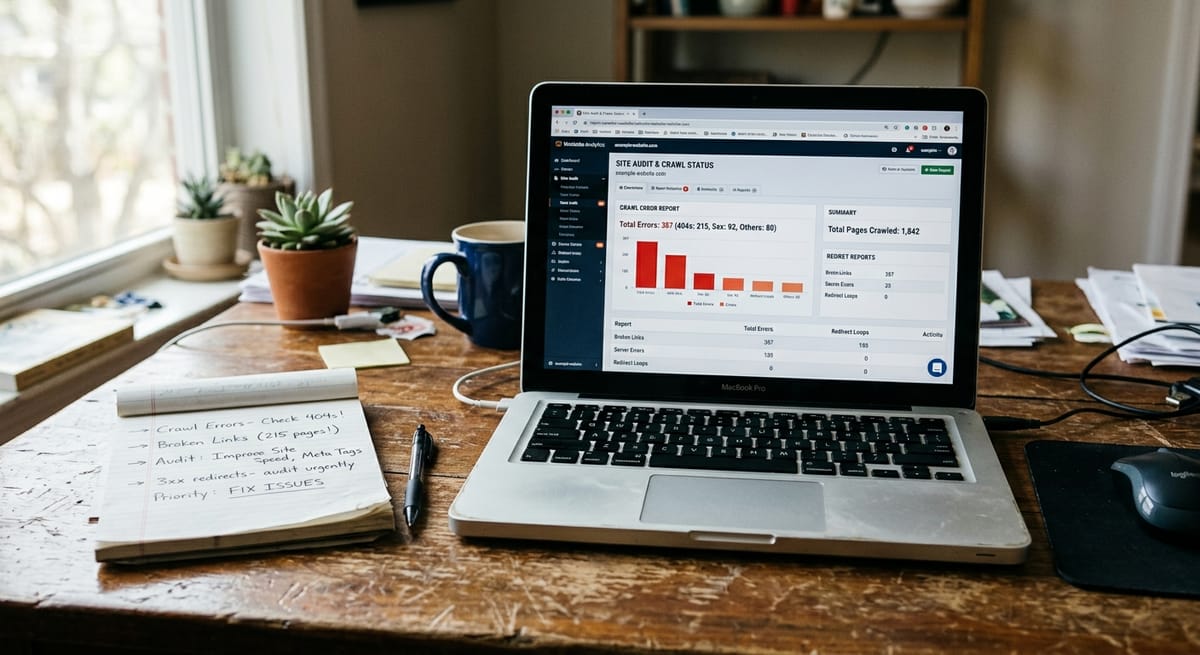
A technical SEO audit is a systematic review of the behind-the-scenes factors that determine whether Google can find, crawl, and index your website correctly.
It's not the same as keyword research or writing blog posts, and it's not the same as building backlinks. Technical SEO is the infrastructure underneath both. If it's broken, everything built on top of it underperforms.
For service businesses specifically: if your pages aren't indexed, every dollar spent on Google Ads sends traffic to a site Google can't properly read. If your pages load slowly on mobile, visitors leave before converting. If your URL structure is disorganized, Google struggles to understand what your local business does and where it operates.
Technical SEO issues hurt more than rankings. They waste ad spend, suppress conversions, and quietly compound losses over time. This technical SEO audit checklist helps you find them and understand which ones to fix first.
Every item carries a severity rating:
Platform-specific callouts appear throughout for three common setups:
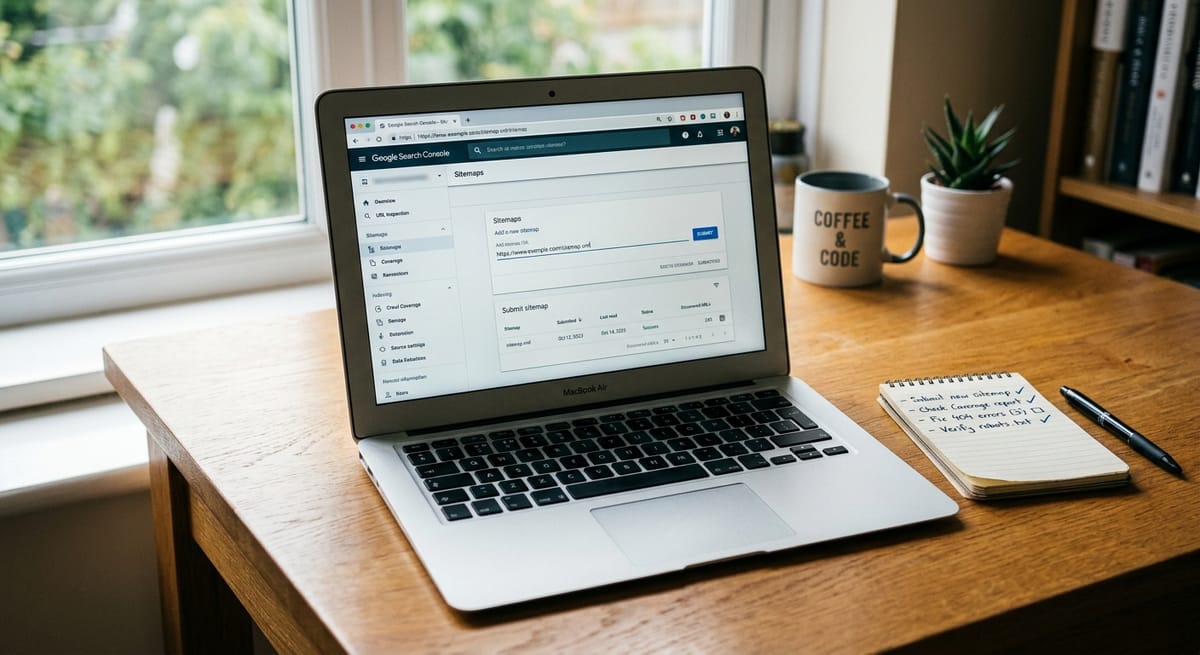
If Google can't crawl and index your pages, nothing else matters. Start here before touching anything else.
Your robots.txt file tells search engine bots which pages they're allowed to crawl. A misconfigured file can accidentally block your most important pages from Google, one of the most damaging local SEO mistakes a service business can make.
yourdomain.com/robots.txt🔴 P1 if any critical page is accidentally disallowed.
Your sitemap is a roadmap handed directly to Google. If it's missing, outdated, or full of errors, Google has to discover your pages on its own. That's a particular problem for local service providers with multiple location or service-area pages.
yourdomain.com/sitemap.xml🔴 P1 if no sitemap exists or it hasn't been submitted. This is DIY-friendly and takes about 15 minutes.
Open Google Search Console and navigate to the Coverage (or Indexing) report. Look at the "Not Indexed" tab.
"Crawled - currently not indexed" means Google found the page but chose not to index it. A large cluster here signals thin content or a technical quality issue. "Discovered - currently not indexed" means Google found the URL but hasn't crawled it yet, often a crawl budget problem on larger sites.
🔴 P1 if valid, important pages appear in either bucket consistently. For a deeper walkthrough, see this guide to resolving unindexed URLs in Google Search Console.
📍 Local Business: If you've built separate location pages for each city or neighborhood you serve, verify that each one is indexed. Location pages built by swapping only the city name are among the most common local SEO mistakes. They're frequently treated as thin content and left unindexed. Each location page needs genuinely unique content: local landmarks, service area specifics, and locally relevant FAQs.
🛍️ Shopify: After launching a new store, go to Online Store > Preferences and confirm the "Restrict search engine indexing" checkbox is unchecked. It's checked by default on development stores and is a common post-launch oversight that can leave an entire store invisible to Google for weeks.
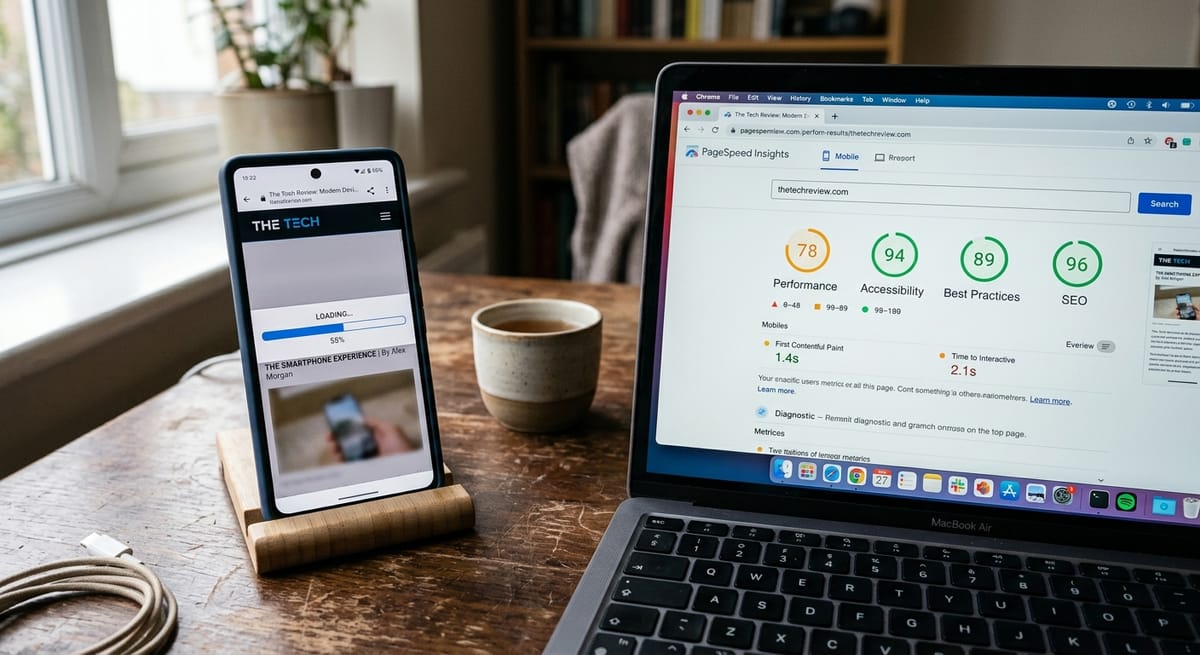
A 1-second delay in mobile load time reduces conversions by up to 20%. If you're spending money on ads and sending traffic to a slow page, you're compounding losses with every click.
Core Web Vitals (CWV) are Google's official page experience metrics. They directly influence rankings and whether visitors stay or leave. Start with two free tools: Google PageSpeed Insights and the Core Web Vitals report inside Google Search Console.
For a complete walkthrough of the fixes below, see the full guide on how to optimize website speed.
LCP measures how long your main content takes to load. Google treats anything above 2.5 seconds as needing improvement and anything above 4 seconds as poor, and slow LCP is one of the most common technical SEO failures on local service business websites.
Server-side LCP improvements (hosting upgrades, caching configuration, CDN setup) typically require professional help.
CLS measures how much your page jumps around as it loads.
font-display: swap to your web font declarations to prevent invisible text during loadINP replaced FID as a Core Web Vital in March 2024. Any checklist still referencing FID is outdated.
🛍️ Shopify + WooCommerce: Third-party apps and plugins are the single most common cause of Core Web Vitals failures on both platforms. Every app you install adds JavaScript to every page load, including pages where that app does nothing. Audit installed apps and plugins quarterly and remove anything inactive or redundant.
If you're running paid ads, the article on why getting traffic but no leads is a conversion problem explains how slow load times interact directly with ad performance.
A "Not Secure" warning on a contact form or service page kills trust immediately. For law firms, medical practices, and contractors, where trust drives every client decision, a valid SSL certificate is non-negotiable. Most hosting providers issue free SSL certificates through Let's Encrypt.
Clean URL structure is a foundational element of local business website optimization. Messy URLs make it harder for both users and Google to understand what your site covers.
/services/roof-repair not /page?id=4823A canonical tag (<link rel="canonical">) tells Google which version of a page is the "official" one when duplicates exist. Misconfigured canonicals are a common technical SEO mistake that's easy to miss in manual reviews.
🛍️ Shopify: Shopify creates two URLs for products in multiple collections:
/products/product-nameand/collections/collection-name/products/product-name. Shopify handles this with auto-canonicalization, but verify it hasn't been overridden by a theme edit or third-party app. View page source on a collection product URL and confirm the canonical points to/products/.
🔌 WooCommerce: Faceted navigation filters generate thousands of parameter-based URLs. Apply noindex to filtered archive pages via Yoast SEO or Rank Math to prevent your index from bloating with low-value pages that compete with your real category pages.
📍 Local Business: Multiple location pages built by swapping only the city name are among the most damaging local SEO mistakes for service businesses with multi-city presence. Each location page needs genuinely unique content: local landmarks, service area specifics, staff information, or locally relevant FAQs. See the guide on the impact of local SEO on your business for more detail.
| Fix Yourself With Time + Tools | Requires Professional Help |
|---|---|
| Submit XML sitemap to Google Search Console | JavaScript rendering and crawl budget optimization |
| Run PageSpeed Insights and interpret scores | Server-side LCP and TTFB improvements |
| Add alt text to images | Redirect chain architecture at scale |
| Update meta titles and meta descriptions | Core Web Vitals fixes requiring code changes |
| Check mobile-friendliness via Google's tool | Schema markup implementation and debugging |
| Remove unused plugins/apps to improve speed | Canonical strategy for large catalogs or multi-location sites |
| Verify SSL certificate status | Full site migration technical oversight |
| Uncheck Shopify's indexing restriction after launch | Location page architecture and NAP consistency audits |
If your audit surfaces multiple P1 issues, or if your site runs on Shopify or WooCommerce with a large catalog, a professional SEO audit will catch issues a manual review misses and prioritize them by business impact.
For local service businesses, local SEO involves specific technical requirements, including NAP consistency, Google Business Profile signals, and location page architecture, that generic checklists rarely cover fully.
How long does a technical SEO audit take?
A basic self-directed audit using Google Search Console and PageSpeed Insights takes two to four hours for a small site. A thorough professional audit takes two to five business days, depending on site complexity and crawl depth required.
How often should I run a technical SEO audit for my service business?
Run a full technical SEO audit at least once per year, and after any major site change: a redesign, platform migration, new theme, or unexplained traffic drop. Smaller ongoing checks (crawl errors, Core Web Vitals) should be reviewed monthly inside Google Search Console.
What tools do I need to perform a technical SEO audit?
Start with two free tools: Google Search Console (indexation, coverage errors, Core Web Vitals data) and PageSpeed Insights (speed and CWV scores). For a more comprehensive crawl, Screaming Frog offers a free version covering up to 500 URLs. Semrush and Ahrefs offer paid crawl auditing with issue prioritization built in.
Can technical SEO issues affect my Google Ads performance?
Yes, directly. If paid traffic lands on a page with poor Core Web Vitals, your Google Ads Quality Score drops and your cost-per-click increases. On Meta Ads, slow mobile load times raise your cost-per-result. Technical site health and paid ad performance share the same infrastructure, so fixing one improves both.
What is the difference between a technical SEO audit and an on-page SEO audit?
A full SEO audit covers three layers: technical (crawlability, speed, architecture), on-page (content, keywords, title tags), and off-page (backlinks, authority). Technical SEO focuses exclusively on the infrastructure layer. It's typically the first step in any SEO engagement because technical issues undermine every other optimization effort.
How do I know if my local business website has technical SEO problems right now?
Check Google Search Console for crawl errors and unindexed pages, then run your homepage through PageSpeed Insights. Warning signs include pages missing from search results, a significant recent traffic drop with no content changes, and Core Web Vitals scores marked "Poor" on mobile. The article on why your website isn't showing up on Google covers the most common causes in plain terms.
What are the most common local SEO mistakes found during a technical audit?
The most common technical local SEO mistakes include unindexed location pages with duplicate content, missing or inconsistent NAP (name, address, phone) information across pages, misconfigured robots.txt files blocking service pages, and slow mobile load times that hurt both rankings and conversions. These issues show up consistently in audits of local service business websites but are frequently missed by generic checklists.
Discover more insights from our latest articles


