WordPress vs Custom Website Development

You've been quoted a price for a new website. Maybe it was higher than expected. Maybe you got two quotes that were wildly different from each other. Now you're trying to figure out whether the gap between a WordPress build and custom website development is actually worth it, or whether someone is trying to oversell you.
This guide is written for that moment, for business owners comparing outcomes rather than developers comparing frameworks. If you're weighing WordPress vs custom website development and want a straight answer, here's what you need to know.
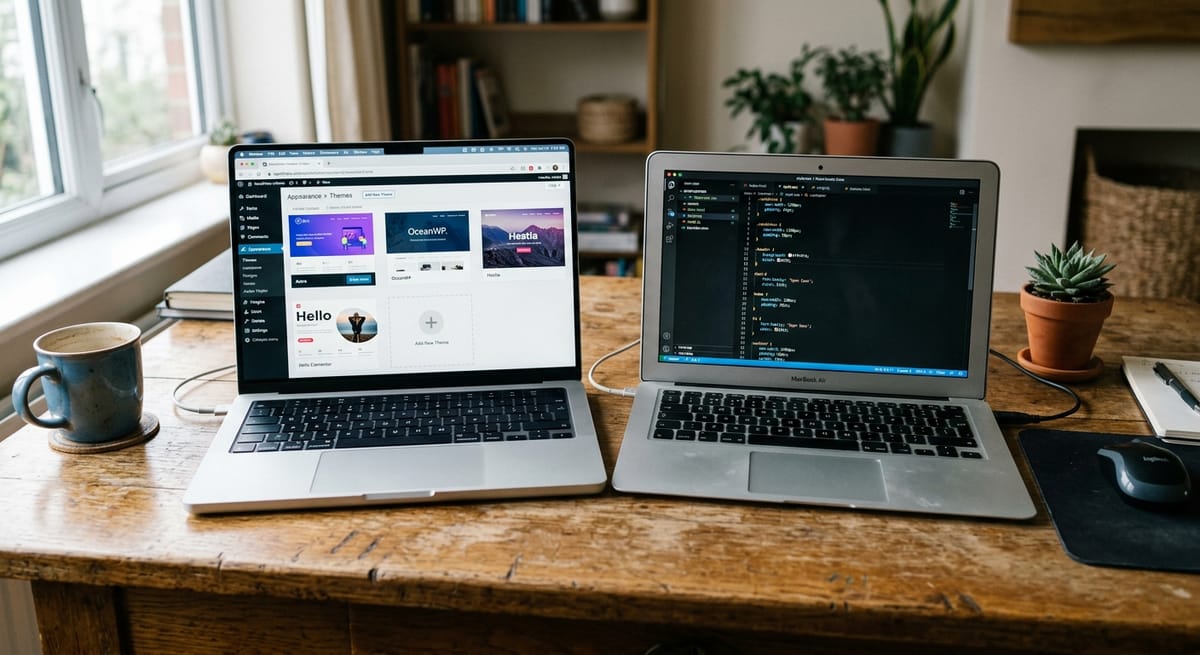
WordPress is a content management platform that powers roughly 43% of all websites on the internet. It gives you a pre-built foundation for managing pages, posts, and products that a developer customizes using themes and plugins rather than writing everything from scratch.
Think of it like leasing a well-equipped office suite. The infrastructure is already there. You configure the space for your needs, add the furniture and signage that fits your brand, and move in relatively quickly.
Custom website development means a site is designed and built from scratch for your specific business. No borrowed templates, no inherited logic from someone else's codebase, no plugins filling gaps the original platform wasn't built to handle.
Using the same analogy: it's building your own headquarters. More time, more investment, but the building does exactly what your business needs.
Neither option is inherently better. The right one depends on your stage, your requirements, and what your website actually needs to do for your business.
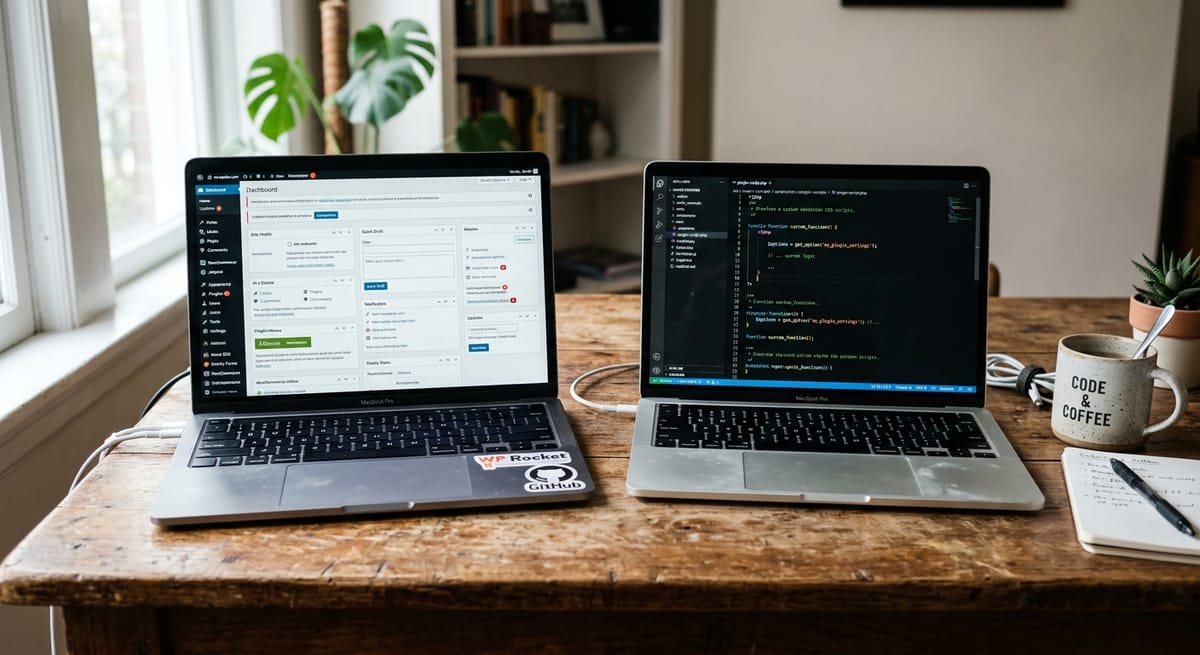
| Factor | WordPress | Custom Development |
|---|---|---|
| Upfront Cost | Lower initial investment | Higher initial investment |
| Ongoing Annual Cost | Accumulates through plugins, hosting, maintenance | More predictable; fewer surprise expenses |
| Build Time | Weeks | Months |
| Design Flexibility | Good within theme constraints | Complete, built to your exact specifications |
| Maintenance Responsibility | Ongoing updates required; plugin conflicts possible | Managed through developer or retainer |
| SEO Capability | Strong with proper setup | Strong; cleaner codebase often helps performance |
| Security Exposure | Higher due to ecosystem size; manageable with right setup | Lower attack surface; not mass-targeted |
| Best Fit | Early-stage, content-driven, budget-conscious businesses | Revenue-critical sites with complex needs |
This table shows starting conditions. The full picture looks different once you account for what each option actually costs over time, which is where most comparisons go wrong.
Most articles compare the build quote when evaluating WordPress vs custom website development cost. That's the wrong number to compare.
A WordPress site has a lower headline cost, but that cost isn't just the build. Year one typically includes managed hosting, a premium theme, plugins covering SEO, security, backups, forms, and potentially e-commerce functionality, plus developer time when something breaks shortly after launch. Those line items add up considerably beyond the initial quote.
Custom website development costs more upfront. But year one costs are more clearly defined. You're paying for the build, hosting infrastructure, and an agreed support arrangement. Fewer unpredictable expenses are baked in.
Here's what most comparisons avoid: a WordPress site with a modest build price frequently costs three to seven times that figure over three years when all ongoing costs are included.
Plugin subscriptions renew annually, and the number of plugins tends to grow, not shrink. Hosting costs increase as traffic grows. Security incidents require paid remediation. Emergency developer calls happen when something breaks before a product launch or during peak trading. Theme licenses require renewal or become incompatible with WordPress updates, forcing an unplanned redesign.
Over three years, the custom website development cost gap narrows considerably. Custom development costs more upfront but delivers predictable expenses rather than accumulating surprises.
The number worth comparing isn't the build quote. It's what the site costs you in total over three years, including every time something breaks at the worst possible moment.
If your website is a primary revenue channel, these aren't hypothetical risks. They're recurring costs to budget for.
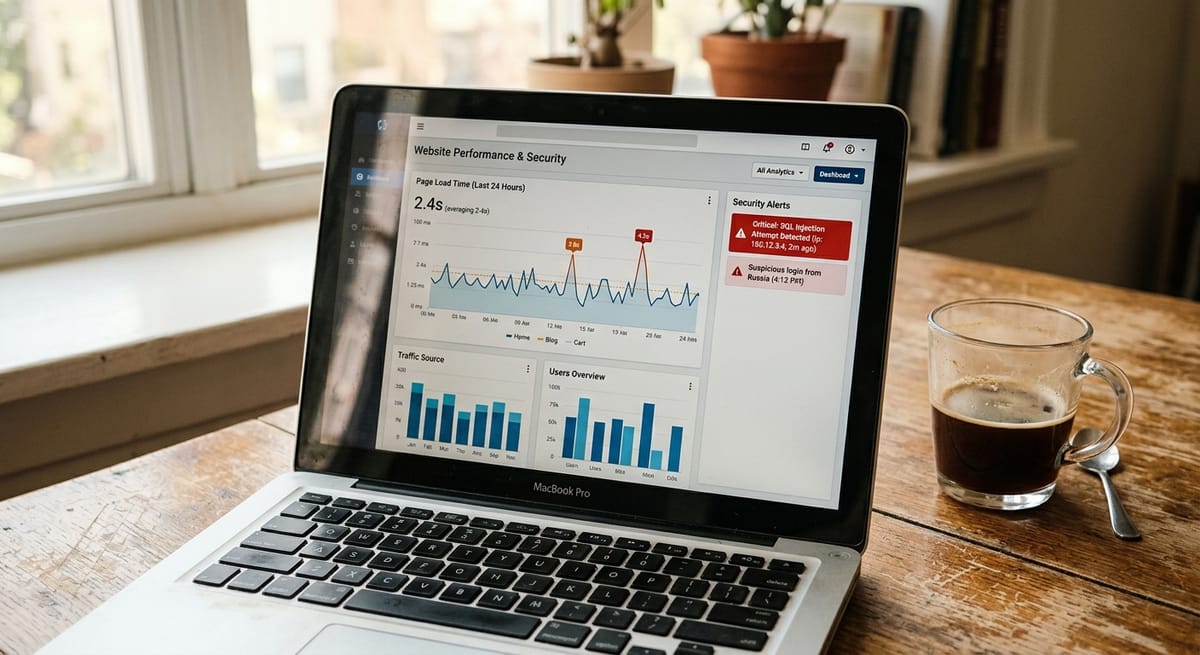
A one-second delay in page load time reduces conversions by approximately 7%. Google's Core Web Vitals directly affect where your site ranks in search results.
WordPress sites slow down over time as plugins accumulate. Each plugin adds load weight, and plugins sometimes conflict with each other and multiply the problem. A site that loaded quickly at launch can become noticeably sluggish a year later with no single obvious cause. When traffic spikes during your biggest campaign and the site crawls, that's a speed problem becoming a revenue problem.
Custom-built sites carry only the code they need. No unused features loading in the background, no plugin overhead, no inherited weight from a theme built for a different purpose. For more on diagnosing speed issues, the website speed optimization guide covers the key culprits in plain terms.
WordPress powers 43% of the internet. That scale makes it the highest-value target for automated attacks. Attackers run scripts looking for known vulnerabilities in common plugins and outdated themes. An unupdated plugin is effectively an unlocked door.
This isn't a reason to dismiss WordPress for small business use. It is a reason to understand the risk. The consequences aren't abstract. They include customer data exposure, payment fraud liability, and a Google warning that removes your site from search results overnight.
Custom-built sites aren't zero-risk, but they aren't mass-targeted. For businesses in healthcare, legal, or financial services, where client data confidentiality is a professional and regulatory obligation, the security architecture matters considerably. Ongoing website maintenance that includes security monitoring is not optional for WordPress sites handling sensitive data.
WordPress handles most small business needs comfortably. The friction tends to emerge at scale, specifically for WooCommerce development scenarios where order volumes are growing, traffic spikes are becoming common, or integration with external systems like CRMs, ERPs, or fulfillment platforms becomes necessary.
Here's the practical signal. If a developer has told you "that's not possible with your current setup," you've hit a scalability ceiling. Custom website development can be scoped with future integrations and traffic growth built in from the start.
For e-commerce businesses evaluating platform options, Shopify development is also worth considering alongside custom builds, particularly for product-catalogue businesses where Shopify's native infrastructure is a better fit than WooCommerce at scale.
No, if the migration is handled correctly. What causes ranking losses during a platform migration isn't the platform change itself. It's broken redirects, URL structure changes without proper mapping, and content lost in transition. A properly managed migration with a full URL audit, 301 redirect implementation, and post-launch monitoring preserves rankings. Where the new site is significantly faster or better structured, rankings frequently improve within 60-90 days.
Ask any developer before signing: how specifically will you handle URL mapping, redirect implementation, and post-launch ranking monitoring? If they can't answer clearly, the migration risk is real, but it comes from the process, not the platform switch. A technical SEO audit before and after migration is the most effective way to ensure nothing falls through the gaps.
How long does custom website development take compared to a WordPress build?
A WordPress site can typically be launched in two to eight weeks depending on complexity. Custom website development generally takes three to six months from discovery to launch. The longer timeline reflects the absence of pre-built frameworks. Every decision is deliberate and built to your specifications.
Can I update a custom website myself, or do I need a developer for everything?
It depends on how the site is built. Many custom websites include a content management interface allowing non-technical users to update copy, images, blog posts, and products without developer involvement. Structural changes, new layouts, and custom functionality will require developer time. Clarify exactly what the CMS covers before signing any development contract.
What are the clearest signs that WordPress is holding my small business back?
Watch for these signals. The site slows visibly during traffic spikes. A developer has said a feature you need "isn't possible with your current setup." You're experiencing recurring plugin conflicts that break pages or checkout flows. Your mobile load time exceeds three seconds. Or multiple developers have touched the site and nobody can explain how it's fully configured.
Is WordPress secure enough for a small business e-commerce store?
With managed hosting, a reputable security plugin, regular updates, and SSL certification, WordPress with WooCommerce can be made reasonably secure. The risk lies in maintenance gaps. An unupdated plugin or theme is one of the most common entry points for attacks. For stores processing significant transaction volumes or storing sensitive customer data, security requires ongoing professional management, not a set-and-forget approach.
Do I lose my content if I migrate from WordPress to a custom website?
No. Pages, blog posts, products, and images can all be migrated. What requires careful planning is URL mapping. Every existing URL either stays the same or is properly redirected so that search rankings and bookmarked links are preserved. A structured migration plan, not the platform switch itself, determines whether your SEO is protected.
Who is responsible for maintaining my website after it's built?
With WordPress, maintenance falls to whoever manages the site. That means updating core software, plugins, and themes regularly. With custom development, responsibility is typically defined in a support retainer with your development agency. Either way, clarify maintenance ownership in writing before the project starts. An unmaintained site on either platform becomes a liability.
Further reading: 10 signs your website needs a redesign | What to look for when hiring a web design agency
Discover more insights from our latest articles


