
You've noticed something's off about your website design, and you're right to be concerned. Stanford research shows 75% of users judge a company's credibility based on website design alone. An outdated website doesn't just look bad, it actively drives potential customers to your competitors. If the problem shows up on phones, our guide to common mobile website problems can help you sort out what’s breaking and how to fix it.
This guide identifies 12 critical warning signs your website looks outdated, explains why each matters to your bottom line, and shows you how to fix them.
Why does my website look outdated?
A website looks outdated when it fails on phones, loads slowly, leans on stock photos and dense text, and follows design conventions from more than four or five years ago: tiny fonts, cluttered sidebars, sliders, and a layout that does not adapt to the screen. Visitors judge credibility in seconds, and an old-looking site reads as an inattentive business. The twelve signs below tell you which of those problems you have and what fixing each one involves.

12 Critical Warning Signs Your Website Looks Outdated
1. Your Website Design Isn't Mobile-Responsive
When visitors arrive on mobile devices and see tiny text requiring pinch-to-zoom, desktop-width layouts forcing horizontal scrolling, or buttons too small to tap accurately, they leave immediately. Google reports 53% of mobile users abandon non-mobile-friendly sites.
Technical requirements: Your site must use flexible grid layouts (CSS flexbox or grid), fluid images that scale proportionally, and CSS media queries adapting content based on viewport width. Minimum touch target size is 48x48 pixels. Typography should automatically scale using relative units rather than fixed pixel sizes.
Modern standard: Responsive design that automatically adapts layouts, font sizes, and navigation for every screen size, with mobile experience prioritized from the design phase.
The fix: Implementing responsive CSS frameworks or rebuilding with modern templates. Our WordPress Development and E-commerce Development services ensure mobile-first design from day one.
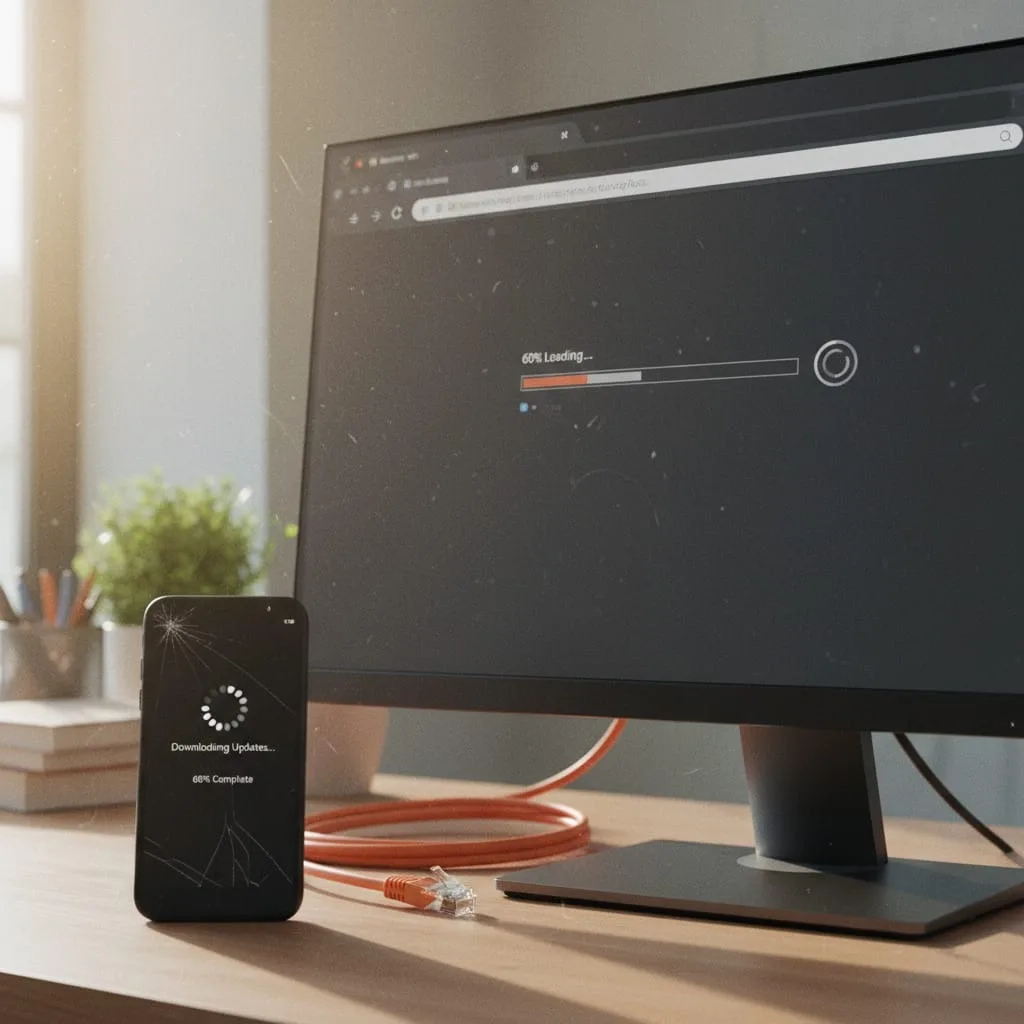
2. Painfully Slow Website Loading Speed (3+ Seconds)
Pages taking 4+ seconds to load signal outdated optimization practices. Google research shows 53% of visitors abandon sites exceeding 3-second load times, while studies reveal every 1-second delay reduces conversions by 7%.
Performance benchmarks: Your site should achieve Largest Contentful Paint (LCP) under 2.5 seconds, First Input Delay (FID) under 100 milliseconds, and Cumulative Layout Shift (CLS) under 0.1. Image file sizes should stay under 200KB through compression. Enable browser caching with minimum 1-year expiration for static resources.
Modern standard: Sub-2-second load times with passing Core Web Vitals scores on both mobile and desktop.
The fix: Comprehensive performance audit addressing image optimization, code minification, browser caching, CDN implementation, and hosting upgrades. Explore our Technical SEO services for complete speed optimization.

3. Cluttered, Overwhelming Website Layout
Cramming excessive content above the fold, creating competing focal points, and eliminating white space overwhelms visitors and obscures your primary message. Adobe research reveals 38% of visitors immediately disengage from websites with unattractive layouts.
Layout best practices: Apply the 60-30-10 color rule (60% dominant color, 30% secondary, 10% accent). Maintain consistent spacing using an 8-point grid system. Limit above-the-fold content to one primary message with a single clear call-to-action.
Modern standard: Clean visual hierarchy with strategic white space, single primary focal point per section, and progressive information disclosure guiding users naturally through conversion paths.
The fix: Layout restructuring prioritizing conversion goals, implementing proper content hierarchy, and applying modern design principles focused on user flow.
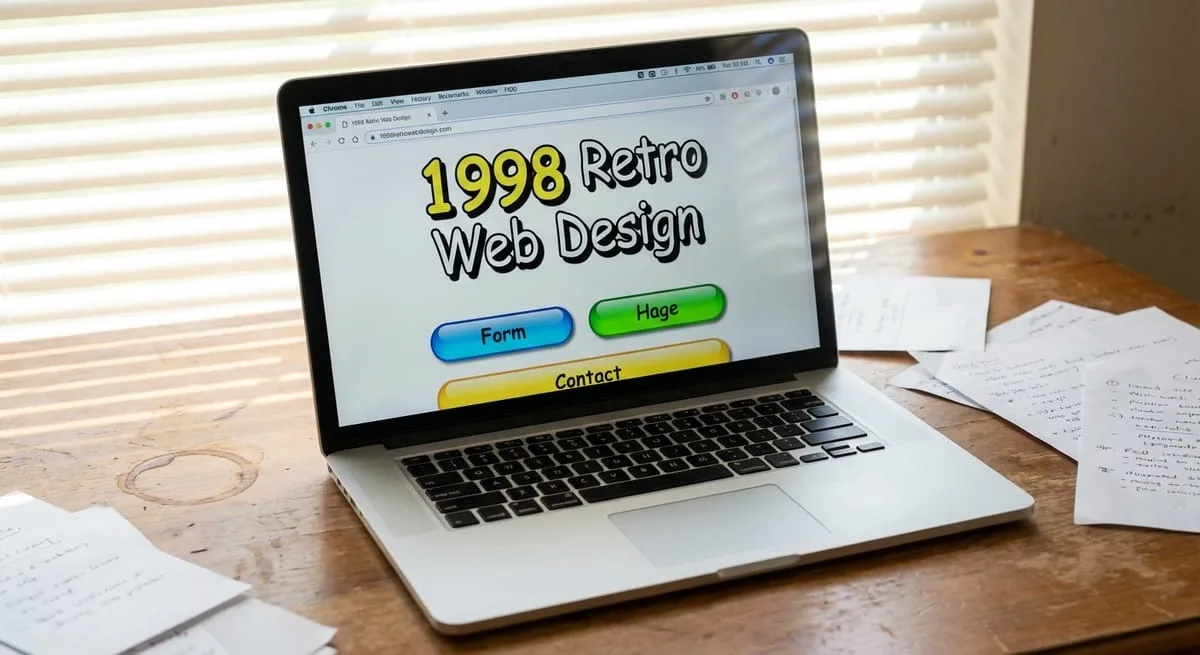
4. Outdated Website Color Schemes and Typography
Gradient buttons, heavy drop shadows, dated fonts like Papyrus or Comic Sans, and color combinations popular in 2015 instantly date your site. Outdated design aesthetics signal outdated business thinking.
Typography standards: Use modern web-safe font stacks or Google Fonts with maximum 2-3 font families per site. Body text should be minimum 16px with 1.5 line height. Ensure WCAG AA contrast ratios (minimum 4.5:1 for normal text). Avoid decorative fonts for body content.
Modern standard: Contemporary color psychology, refined font stacks balancing readability with personality, subtle effects supporting content, and cohesive brand expression.
The fix: Professional website design refresh updating color palettes, typography systems, and visual effects while maintaining brand recognition. Our Website Design team specializes in modernization that preserves brand equity.
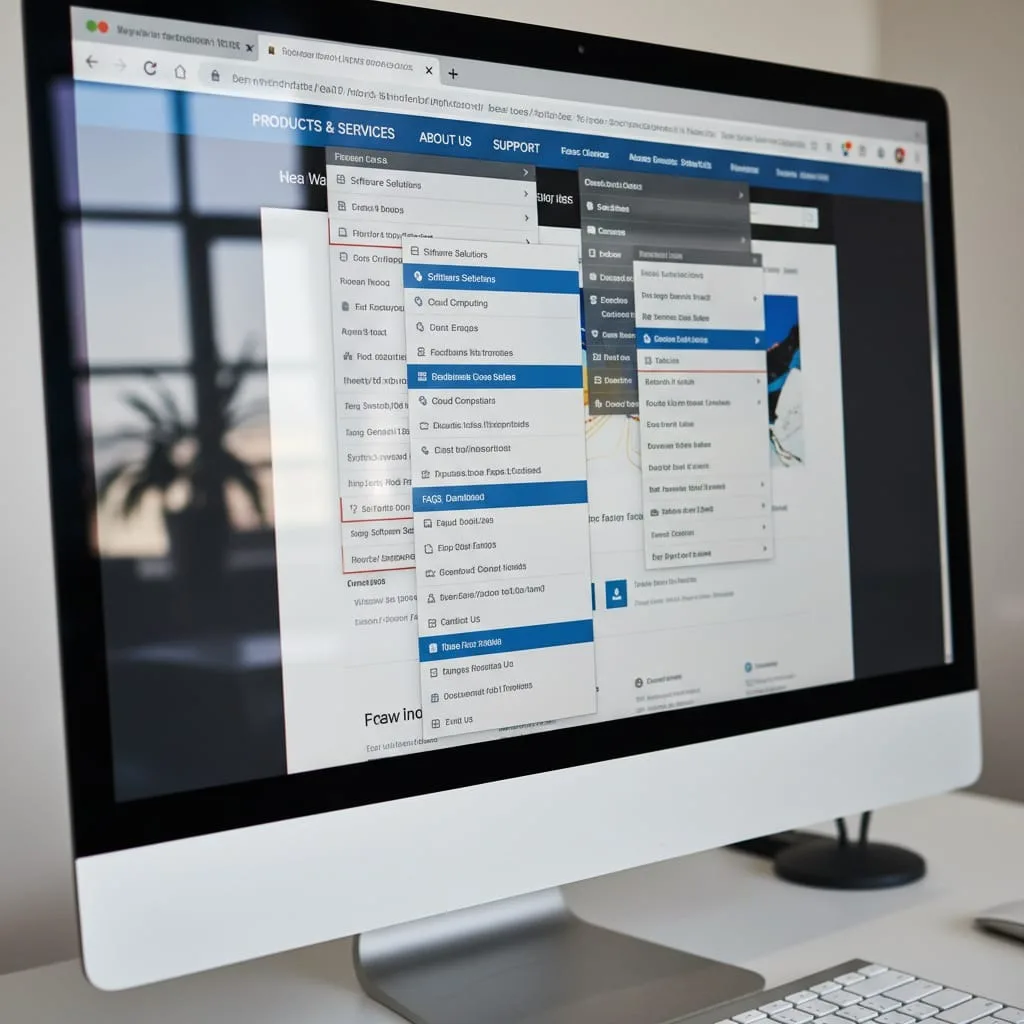
5. Confusing Website Navigation and Poor User Flow
Unclear menu structures, buried contact information, inconsistent navigation across pages, and illogical information architecture frustrate users hunting for basic information. Poor navigation increases bounce rates up to 50%.
Navigation requirements: Limit main menu items to 5-7 options maximum. Implement breadcrumb trails on all pages below homepage. Ensure navigation remains consistent with same positioning and labels. Contact information should be accessible from every page.
Modern standard: Intuitive menu hierarchies following user mental models, persistent navigation maintaining context, clear breadcrumb trails, and user-tested paths to conversion actions.
The fix: UX audit analyzing user behavior, information architecture redesign based on customer journey mapping, and navigation optimization focused on reducing friction.

6. Weak or Missing Calls-to-Action on Your Website
Generic "Contact Us" buttons, low-contrast CTAs blending into backgrounds, or complete absence of action prompts signal outdated conversion thinking. Strategic CTAs improve conversion rates by 121%.
CTA design specifications: Buttons should use high-contrast colors with minimum 44x44 pixel touch targets. Text should use action verbs and communicate value ("Get Your Free Audit" not "Submit"). Place CTAs above the fold, after key selling points, and at article conclusions.
Modern standard: High-contrast buttons using action-oriented, benefit-driven copy; multiple strategic placements aligned with user intent; and design treatments making CTAs unmissable.
The fix: CTA optimization audit, conversion copywriting focused on value propositions, and A/B testing programs. Our Conversion Rate Optimization services systematically improve every conversion element.
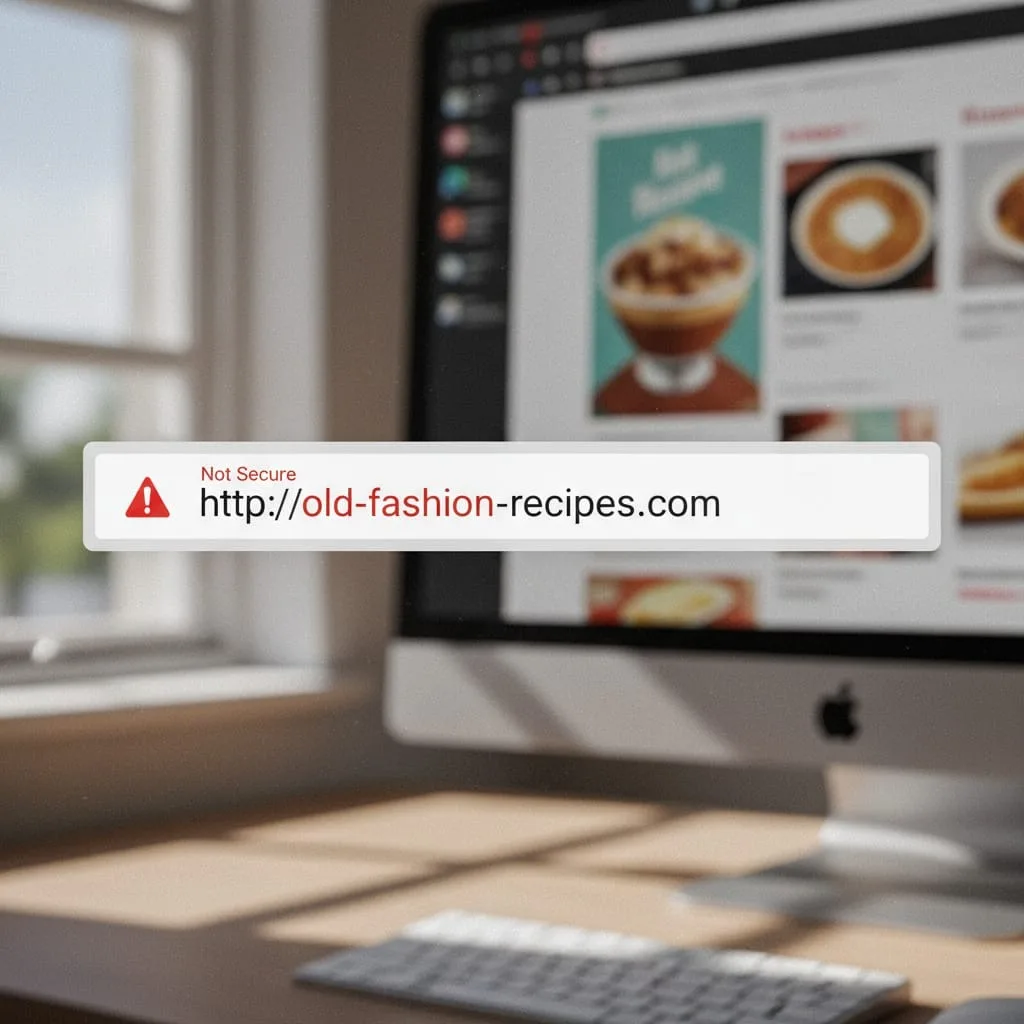
7. No HTTPS Security Certificate on Your Website
The "Not Secure" browser warning appearing on HTTP sites destroys trust instantly. Research shows 84% of users abandon purchases on non-secure sites. Google actively penalizes non-HTTPS sites in rankings.
Security implementation requirements: Install SSL/TLS certificate (minimum TLS 1.2) and configure server to force HTTPS on all pages. Implement 301 redirects from HTTP to HTTPS versions. Update all internal links to use HTTPS protocol.
Modern standard: SSL/TLS certificate installed site-wide with proper HTTPS implementation, automatic HTTP-to-HTTPS redirects, and security badges displayed prominently during transactions.
The fix: SSL certificate installation (often simple and inexpensive through hosting providers), proper redirect configuration, and mixed content resolution.

8. Poor Website Accessibility (ADA/WCAG Violations)
Missing alt text on images, insufficient color contrast, no keyboard navigation support, and inaccessible forms exclude 15% of potential customers with disabilities while exposing you to legal liability. ADA website lawsuits exceeded 10,000 in 2023.
WCAG 2.1 Level AA requirements: Provide alt text for all images. Maintain minimum 4.5:1 contrast ratio for normal text, 3:1 for large text. Enable full keyboard navigation for all interactive elements. Use semantic HTML heading hierarchy. Ensure form fields have associated labels.
Modern standard: WCAG 2.1 Level AA compliance minimum, including semantic HTML, ARIA labels, keyboard navigation, proper heading hierarchy, and sufficient color contrast ratios.
The fix: Comprehensive accessibility audit identifying violations and systematic remediation of technical issues.
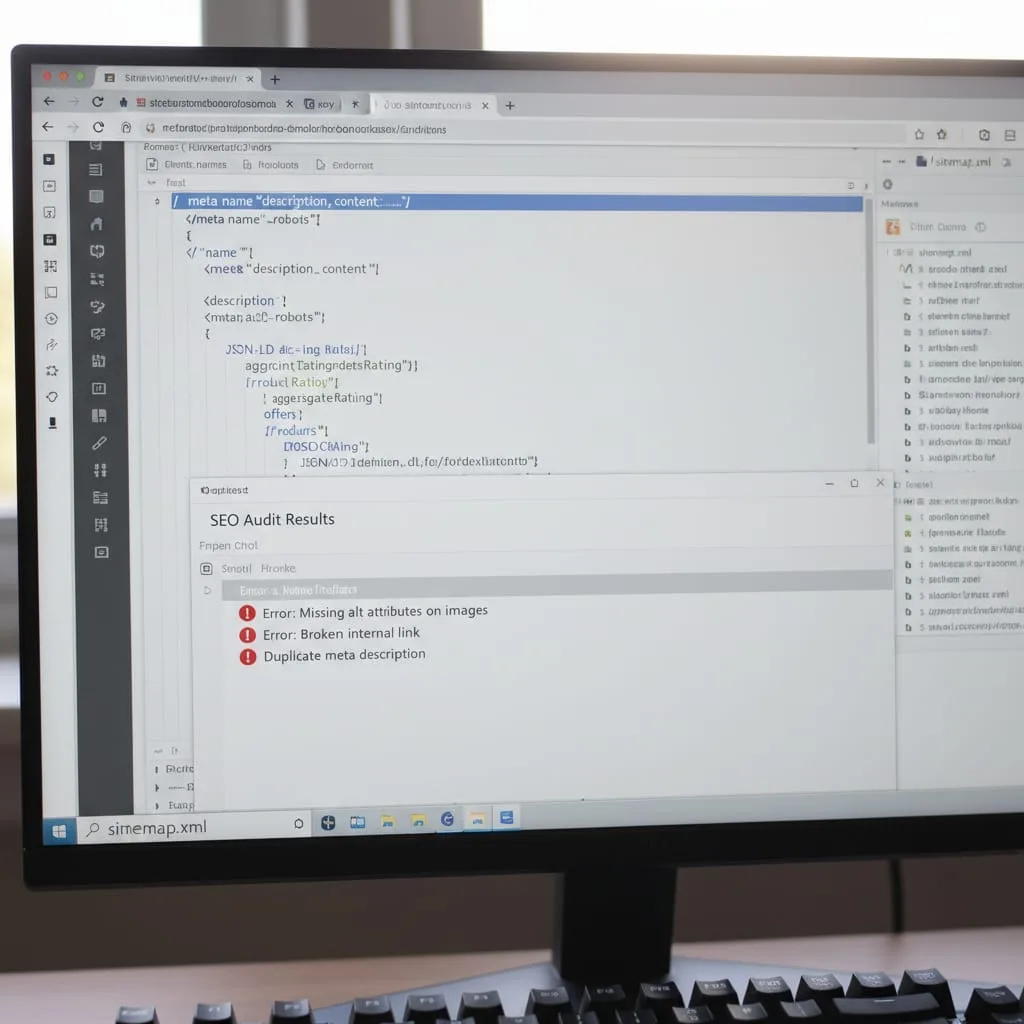
9. Outdated Website SEO Foundation
Missing meta descriptions, absent structured data markup, deprecated SEO practices like keyword stuffing, and lack of mobile-first optimization indicate pre-2020 SEO thinking. Modern search demands technical excellence and user experience signals.
Technical SEO requirements: Implement Schema.org structured data markup for organization, products, reviews, and FAQs. Create unique, compelling meta titles (50-60 characters) and descriptions (150-160 characters) for every page. Build XML sitemap and submit to Google Search Console.
Modern standard: Comprehensive technical SEO including schema markup, optimized meta data, mobile-first structure, Core Web Vitals optimization, and content strategies targeting user intent.
The fix: Complete SEO audit and technical overhaul. Explore our SEO Audits and SEO Services for comprehensive optimization strategies.
10. Old Technology Making Your Website Look Outdated
Flash animations refusing to load, outdated jQuery libraries throwing errors, unsupported WordPress plugins breaking functionality, or deprecated code causing browser incompatibilities signal neglected technical maintenance. Outdated technology creates security vulnerabilities and functional failures.
Technology update requirements: Replace Flash with HTML5 Canvas or CSS3 animations. Update jQuery to version 3.x minimum. Remove or replace WordPress plugins not updated within 12 months. Update PHP to version 7.4 or higher.
Modern standard: Modern HTML5/CSS3 implementation, current JavaScript frameworks, maintained plugins receiving active security updates, and progressive enhancement ensuring baseline functionality across all browsers.
The fix: Technology migration plan systematically updating or replacing deprecated elements. Consider our Website Maintenance services for proactive technical management.
11. Generic Stock Photos and Weak Branding on Your Website
Obvious stock imagery showing impossibly happy office workers, inconsistent branding across pages, low-quality graphics, and visual elements disconnected from your actual business undermine credibility. Research shows authentic images improve trust perceptions by 75% compared to generic stock photography.
Visual content standards: Use custom photography at minimum 1920px width for full-bleed images. Compress images to 70-80% quality (200KB maximum file size). Maintain consistent color grading across all photos. Create brand style guide documenting logo usage, color values, and typography specifications.
Modern standard: Custom photography showcasing actual team members and facilities; consistent brand identity application; high-quality, optimized graphics; and visual storytelling connecting emotionally with target audiences.
The fix: Professional photography investment, brand identity refresh ensuring consistency, and strategic visual content creation.

12. Missing Social Proof and Trust Signals on Your Website
Absent testimonials, no customer reviews visible, missing credentials or certifications, lack of security badges, and no client logos or case studies force visitors to trust you based solely on your claims. Research shows 63% of consumers check reviews before making purchase decisions.
Trust signal implementation: Display minimum 5-10 client testimonials with full names, photos, and specific results. Include star ratings from Google Business Profile. Show relevant certifications. Display client logos in grid format. Add trust badges near form submissions.
Modern standard: Strategic placement of client testimonials with photos and specific results, prominent trust badges, review integration from Google/industry platforms, and case studies demonstrating proven results.
The fix: Social proof strategy implementation, review generation programs, and conversion-focused testimonial placement.
What an Outdated Website Design Actually Costs Your Business
Lost Revenue and Conversions From Outdated Website Design
E-commerce sites with outdated designs experience conversion rates 2-3x lower than competitors with modern, optimized experiences. The compound effect of poor conversion creates exponential revenue loss. Every month your outdated site operates, you're losing the lifetime value of customers who would have referred others, made repeat purchases, or upgraded services.
Damaged Brand Credibility From Outdated Website Design
Stanford's Web Credibility Research shows 75% of users judge company credibility primarily on website design. Outdated websites signal outdated business practices, causing high-value prospects to question whether you're still in business, keeping pace with industry standards, or capable of delivering modern solutions. If you're rebuilding from scratch, start with the essential website pages for a small business so the new site has the right structure from day one.
SEO Rankings Decline With Outdated Website Design
Google's mobile-first indexing means non-responsive sites suffer ranking penalties, while poor Core Web Vitals (a ranking factor since 2021) suppress visibility. Mobile-unfriendly sites dropped an average 20 positions following mobile-first rollout.
Modern search algorithms prioritize user experience metrics including page speed, mobile usability, and engagement signals. Outdated websites failing these benchmarks face systematic visibility erosion regardless of content quality.
Website Redesign Timeline Guide
Project Type | Timeline | Best For |
Website Refresh | 2-4 weeks | Established websites with solid structure needing visual modernization and technical updates |
Full Website Redesign | 8-12 weeks | Complete overhauls, platform migrations, custom functionality, complex e-commerce implementations |
Website Refresh Details
Timeline: 2-4 weeks
What's included: Premium template customization, content updates and reorganization, basic SEO optimization, mobile responsiveness improvements, security certificate installation, and performance optimization.
Services involved: Website Design, WordPress Development, Website Maintenance setup.
Full Website Redesign Details
Timeline: 8-12 weeks
What's included: Custom design reflecting brand identity, complete development build, comprehensive SEO foundation, conversion rate optimization, content strategy and creation, user experience design, testing and quality assurance, and launch support.
Services involved: E-commerce Development, Shopify Development, WooCommerce Development, Technical SEO, CRO.
ROI context: Most clients achieve redesign ROI within 6-12 months through improved conversion rates and increased organic traffic.
How Grindstone Design Modernizes Outdated Websites
Our systematic five-step process ensures your website transformation delivers measurable business results:
Step 1: Comprehensive Website Audit We analyze technical performance, design effectiveness, competitive positioning, and conversion barriers through our SEO Audits process, creating a prioritized roadmap for maximum impact.
Step 2: Strategic Planning Deep audience research, conversion goal mapping, and content strategy development ensure every design decision supports business objectives.
Step 3: Modern Website Design & Development Mobile-first, conversion-optimized design paired with clean, performant development through our Website Design services creates experiences that engage visitors and drive action.
Step 4: SEO-Optimized Launch Careful migration planning, redirect strategies, and technical SEO implementation through our Technical SEO services preserve hard-earned rankings while positioning for improved visibility.
Step 5: Ongoing Optimization Post-launch performance monitoring, continuous improvement testing, and proactive maintenance through our Website Maintenance and CRO services ensure your site stays current and competitive.
Frequently Asked Questions About Outdated Website Design
How Often Should I Update My Website to Avoid It Looking Outdated?
Major website design updates every 3-5 years keep your site aligned with current standards, while content and security updates should happen monthly. The exact timeline depends on your industry's pace of change and platform technology.
Will Redesigning My Website Hurt My Google Rankings?
Professional website redesigns preserve SEO equity through proper redirect implementation, URL structure maintenance, and technical SEO best practices. Modernization often improves rankings because Google prioritizes mobile-friendly, fast-loading sites with excellent user experience signals.
What's the Difference Between a Website Refresh and Full Redesign?
A website refresh updates your existing site's design, content, and performance while maintaining the current structure and platform (2-4 weeks). Full website redesigns rebuild from scratch with custom design, new development, and often platform migration (8-12 weeks).
Can I Update My Website Myself or Do I Need a Professional?
Simple content updates and minor tweaks are DIY-friendly on modern platforms. But addressing core issues like mobile responsiveness, site speed optimization, SEO structure, and conversion optimization requires professional website design expertise combining design, development, and marketing knowledge.
Ready to modernize your outdated website? Your competitors are capturing customers while your dated site drives them away. Get your free website audit and discover exactly what's holding your business back online, plus receive a custom roadmap prioritizing fixes by impact.
Trusted by 200+ businesses since 2020 | ⭐⭐⭐⭐⭐ 5.0 Google Rating


