What Is Website Maintenance, and Does Your Site Actually Need It?

Website maintenance is the ongoing process of keeping a live website secure, updated, functional, and performant through regularly scheduled tasks. It's not a one-time project, not a feature bundled into your hosting plan, and not the same as rebuilding or redesigning your site. It's recurring work that happens whether or not you're paying attention. Skipping it is one of the fastest ways to accumulate technical debt that quietly erodes your site's performance.
Most business owners find out their site needed maintenance only after something breaks.
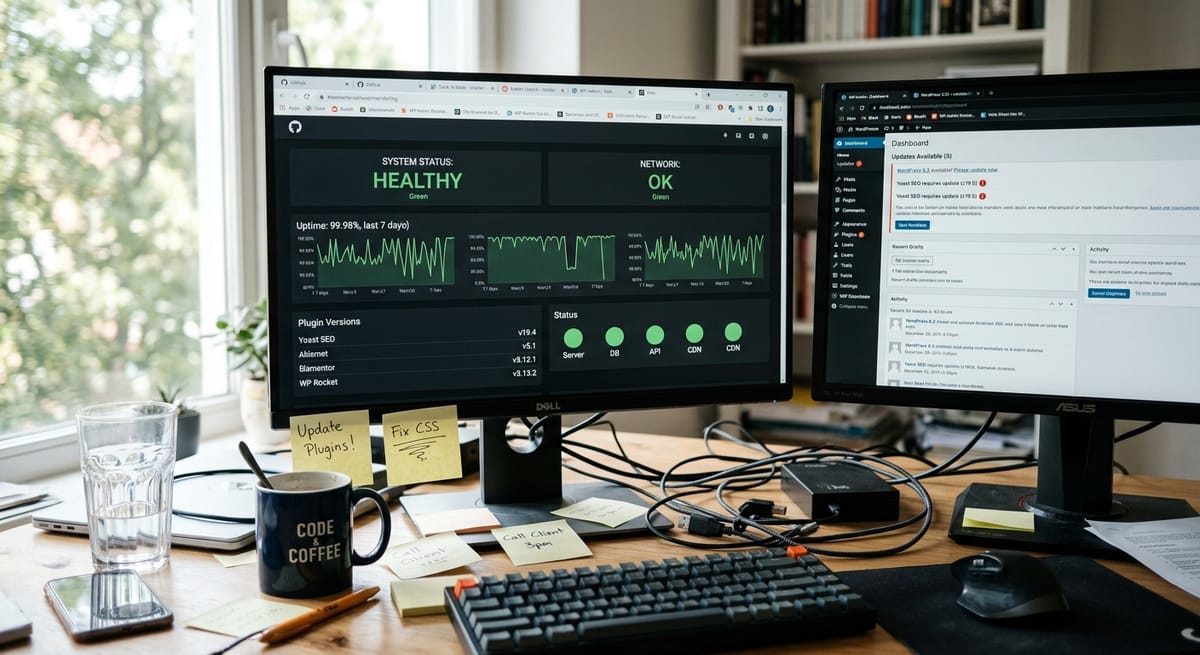
Website maintenance covers the work required to keep a functioning site functioning. That means updating your CMS core, plugins, and themes, running security scans, verifying backups, monitoring uptime, and reviewing performance metrics on a regular schedule.
Your hosting provider gives you server infrastructure. It handles uptime at the server level. It does not update your plugins, scan for malware, verify your forms are working, or tell you when your SSL certificate is about to expire. Website monitoring at the application layer is a separate responsibility that falls outside what any host covers by default.
A redesign changes your site's structure, visual identity, or platform. Website maintenance is neither a project nor a launch. It's the ongoing work that happens between your last launch and whenever you eventually redesign, which for most small business sites is years.
Ongoing. Every CMS update cycle introduces new compatibility requirements. Security vulnerabilities emerge continuously. Plugins that worked cleanly six months ago can conflict after a single update. Treating maintenance as a one-time task is precisely how technical debt accumulates. Small deferred updates compound into serious structural problems over time.
You're running a "set it and forget it" site. The risk is cumulative rather than dramatic. Plugins go stale, security patches go unapplied, and the site slowly drifts from current browser and mobile standards. This is technical debt accruing in real time. If your site generates leads, this drift is costing you leads. If it isn't generating leads at all, you may have a website problem that goes beyond speed or design, but website maintenance is still the floor.
E-commerce sites have more surface area for failure. A plugin conflict on a WooCommerce checkout page stops transactions. Shopify's managed infrastructure reduces some risk, but app conflicts, liquid template issues after platform updates, and payment gateway compatibility still require active website monitoring. Checkout errors or unexplained cart abandonment are maintenance failure signals.
For law firms, contractors, and medical practices, your site's primary job is generating inquiries. A contact form that stopped routing submissions three months ago is invisible to you and fatal to your lead pipeline. Same with a broken click-to-call button on mobile. These failures don't announce themselves. You discover them when a client mentions it, or when you notice an unexplained drop in calls.
| You likely need website maintenance | You may need a new site |
|---|---|
| Site is slow but structurally functional | Platform is deprecated or no longer supported |
| Plugins are outdated or throwing warnings | Mobile experience is completely broken |
| Minor broken elements (links, images, forms) | Information architecture no longer reflects the business |
| Content is stale but still accurate | Design hasn't been touched in 8+ years |
| Security scans haven't been run in months | Core functionality was never built correctly |
If you recognized your site in the right column, the conversation shifts to what a redesign actually involves.
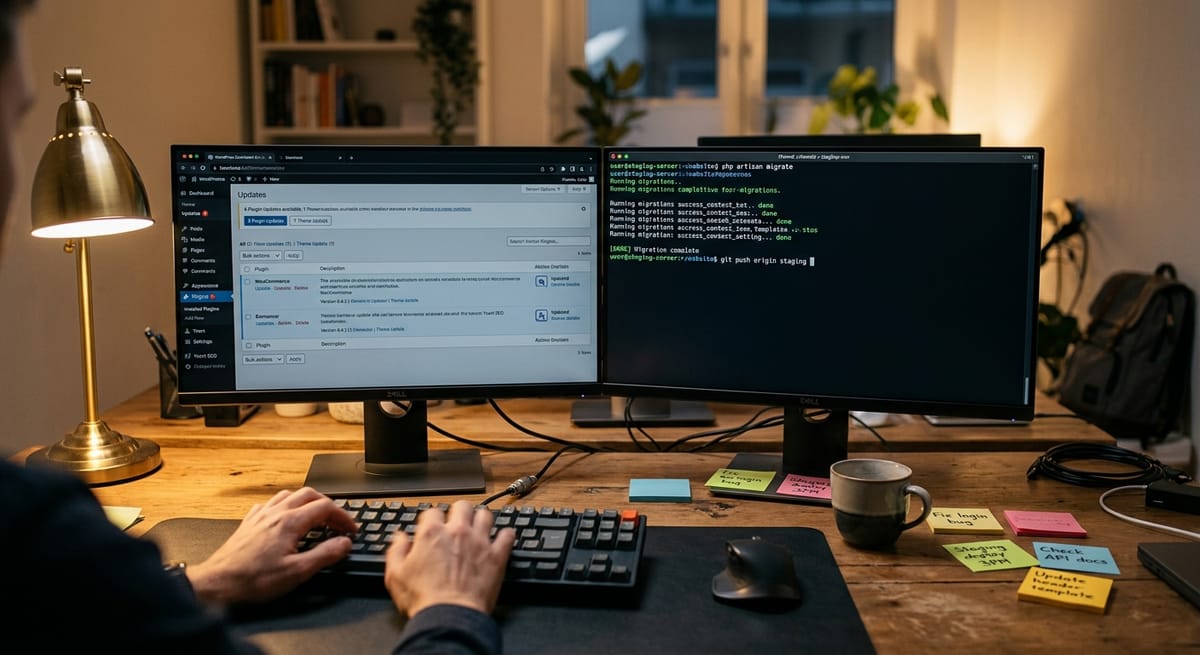
On WordPress and WooCommerce, updates to the CMS core, active theme, and all installed plugins need to happen on a regular schedule, but they're not simply "clicking the button." A responsible update process includes staging the update in a test environment before touching the live site, running compatibility checks, confirming all core functionality still works, and rolling back immediately if a conflict is detected.
Skipping this process is one of the most common ways sites accumulate technical debt. Each deferred update increases the risk of a conflict cascade when updates are eventually applied in bulk. According to Patchstack's WordPress vulnerability database, new security vulnerabilities in plugins are discovered continuously, which is why a regular, staged update cadence matters.
On Shopify, the update model differs. Shopify manages the platform core. But app conflicts and liquid template integrity after platform changes require separate monitoring. "Hosted platform" does not mean "maintenance-free."
Security scanning means running regular checks for malware, unauthorized file changes, known vulnerability signatures, and injection attempts. Weekly is a minimum for an active site. Daily is better for e-commerce.
Backups should be verified, not just scheduled. A scheduled backup creates a file. A verified backup confirms that file is clean, complete, and can actually be restored. If your provider can't tell you the last time a restore test was run, you don't have reliable backups.
Uptime monitoring runs continuous checks on your site's availability and alerts someone when the site goes down, before website downtime costs you leads or revenue. Most business owners find out about downtime from customers. Website monitoring means you find out first.
Performance optimization in a maintenance context means monitoring Core Web Vitals over time, addressing speed degradation as plugins accumulate, and managing caching and database health. This differs from a one-time speed optimization project. It's ongoing monitoring to prevent the gradual decline that affects search rankings.
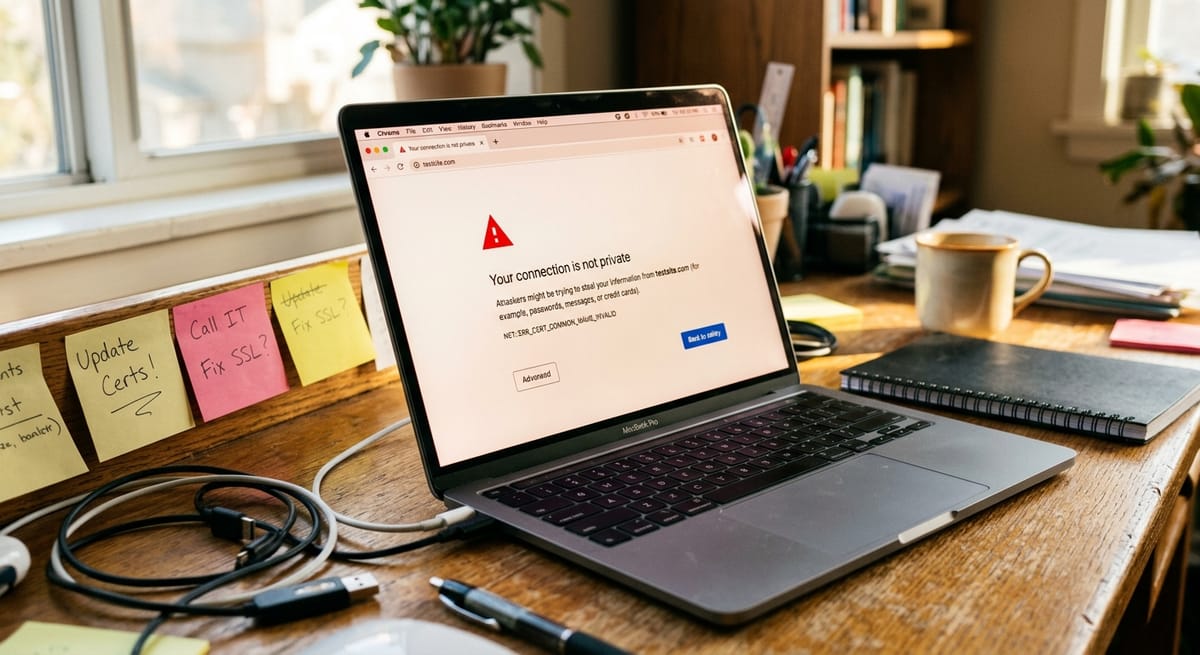
SSL certificate management means making sure your certificate renews before it expires. An expired SSL throws a browser security warning to every visitor, an immediate trust failure and a ranking signal problem. It's entirely preventable and still happens constantly on neglected sites.
Monthly reporting should include updates applied with dates, security scan results, uptime percentage, backup confirmation, and page speed metrics. If a provider can't show you a sample report before you sign, that's a red flag.
Google uses Core Web Vitals as a ranking signal. An unmaintained site accumulates speed degradation, crawl errors, broken internal links, and redirect failures over months. None of these announce themselves in your analytics. You see them in gradual ranking drops, reduced impressions, and lower organic traffic, often attributed to something else entirely. A technical SEO audit will surface the specifics, but the root cause is usually deferred website maintenance.
A hacked WordPress site isn't just a technical inconvenience. Recovery typically involves emergency developer time, potential data loss, hosting suspension while the infection is resolved, and reputational exposure to clients who hit a malware warning. For an e-commerce operator, every hour of checkout downtime is direct, unrecoverable revenue.
Website downtime costs are unpredictable and disproportionate, but the cost of prevention is not. Proactive website monitoring makes the difference between a five-minute alert and a three-day recovery.
Contact forms that stopped working. Click-to-call buttons broken on mobile. A booking widget that throws an error on Safari. A WooCommerce payment gateway that fails silently on a specific card type. These failures don't produce error reports. They produce silence. Fewer calls. Fewer form submissions. A slow, unexplained decline in new inquiries that looks like a marketing problem until someone traces it back to a broken form that's been misfiring for months.
If your site is getting traffic but not generating leads, a broken technical element is frequently the culprit, and consistent website monitoring is the only reliable way to catch it early.
| Monthly | Quarterly | Annual |
|---|---|---|
| Review uptime monitoring logs | Full security audit | Full site backup + off-site archive |
| Apply plugin, theme, and CMS updates (staged) | Performance optimization review | Major CMS version updates (staged) |
| Verify backups and restore points | Content audit for outdated pages | Domain and hosting renewal confirmation |
| Run broken link scan | Analytics review for traffic anomalies | Privacy policy and compliance review |
| Test contact and lead forms | SSL and domain expiry check | Full technical SEO audit |
| Check page speed metrics | Review third-party integrations | Review all API connections |
How much does website maintenance cost per month? Costs vary based on platform, site size, and scope. Always ask for an itemized breakdown of what's included before signing. A vague "maintenance package" without specifics isn't a reliable service agreement.
What happens if I don't maintain my website? An unmaintained website accumulates compounding technical debt: outdated plugins create security vulnerabilities, performance degrades and affects search rankings, SSL certificates expire, and critical elements like contact forms, checkout pages, and booking tools can break silently. Most business owners only discover these failures when a client mentions it.
Do I need website maintenance if my site is on Shopify? Yes, though the scope differs from self-hosted platforms. Shopify manages core infrastructure, but you're still responsible for monitoring app conflicts, testing checkout integrity after platform updates, auditing custom theme code, and reviewing speed impact as your app stack grows. A hosted platform reduces website maintenance burden. It doesn't eliminate it.
How do I know if a website monitoring provider is actually doing anything? Ask for a sample monthly report before you sign. A credible provider delivers documentation that includes updates applied with dates, security scan results, uptime percentage, backup confirmation, and page speed metrics. If a provider can't show you what their reporting looks like, treat that as a meaningful red flag.
Will updating my WordPress plugins or theme break my website? It can, which is why professional website maintenance involves more than clicking the update button. Reputable providers stage updates in a test environment, run compatibility checks, and confirm site functionality before pushing to the live site. Each deferred update adds to your site's technical debt, and conflicts are a matter of when, not if.
What's the difference between managed WordPress hosting and a website maintenance plan? Managed WordPress hosting (WP Engine, Kinsta, etc.) optimizes server performance and may handle core WordPress updates automatically, but it doesn't test plugin compatibility, verify form functionality, audit broken links, or deliver monthly performance reports. A website maintenance plan covers the application layer. Hosting covers the server layer. You need both.
How often should a website be fully backed up? Active business sites should have automated daily backups with verified restore points stored off-server. Monthly or weekly backups create dangerous recovery gaps. A site compromised on day six of a seven-day backup cycle loses nearly a week of content and data. Backup frequency should match how often your site changes.
If the checklist above is work nobody at your company is doing today, that is the honest answer to whether you need help. Our website maintenance services cover the updates, security scans, backups, uptime monitoring, and performance checks in this article, with a report you can actually read.
Not sure how far behind your site has fallen? Request a free business audit and we will tell you what is out of date, what is exposed, and what it would take to fix.
Discover more insights from our latest articles


